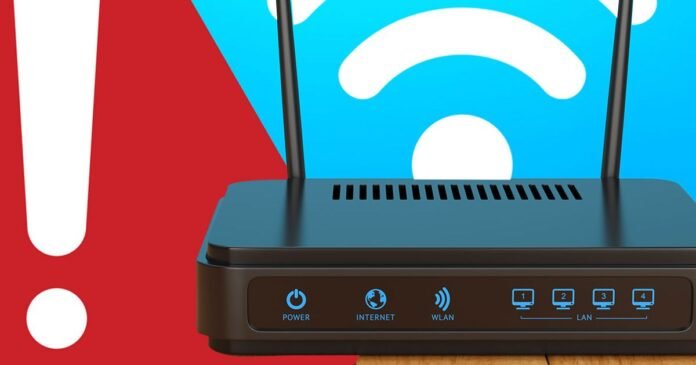
In our quest for faster broadband speeds, a reliable internet connection has become essential for many, whether for remote work, gaming, or streaming entertainment. While you can’t alter the incoming speeds from your Internet Service Provider (ISP), there are steps you can take within your home to optimize your Wi-Fi network, starting with your router.
Community Fibre advises that routers older than five years may struggle to keep up with modern demands like 4K streaming and multiple downloads. Upgrading to a newer model that supports advanced standards like WiFi 6 can significantly enhance speed and coverage, especially in busy households.
To improve signal strength, it’s crucial to place your router in a central, elevated location away from potential sources of interference such as walls, furniture, and electronic devices like microwaves. Additionally, reducing congestion on your network by disconnecting unused devices and scheduling large downloads during off-peak hours can help maintain faster speeds.
Consider reaching out to your ISP for a router upgrade, which may be offered at no extra cost. Alternatively, there are various Wi-Fi 6 and Wi-Fi 7 routers available in the market to further enhance your internet experience. By taking these simple steps, you can ensure that your home network operates at its best capacity for all your connectivity needs.

